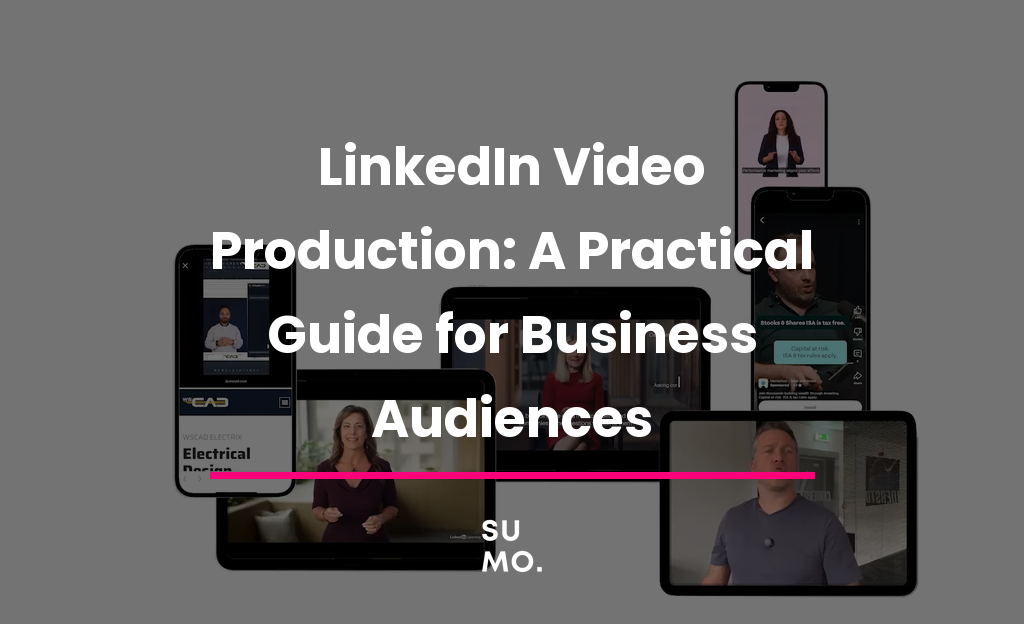
LinkedIn is the one platform where a slightly rough, honest video often outperforms a polished advert. That’s not an excuse to skip production quality. It’s a signal about what the audience actually wants to see.
People scroll LinkedIn expecting to learn something or gain an edge at work, not to be entertained. Video that respects that gets watched. Video that ignores it gets scrolled past, however well it’s shot.
The best performing LinkedIn videos rarely look like adverts. They look like a person talking directly to another person.

Why LinkedIn video is different from Instagram or TikTok
Instagram and TikTok reward speed, trends, and entertainment value. LinkedIn rewards clarity and relevance to someone’s job. A video that would flop on Instagram for being too straightforward can perform very well here, because the audience is actively looking for professional value, not a distraction.
That doesn’t mean production quality doesn’t matter. It means the goal is different: clear audio, good lighting, and a confident delivery matter more than flashy editing or trend chasing.
What actually works for business audiences
Upload the video natively to LinkedIn rather than posting a link to YouTube. Native video is prioritised by the platform and simply gets seen by more people.
Add subtitles. A large share of LinkedIn video is watched with the sound off, in an office or on a commute. If the message only works with audio, most of the audience never gets it.
Stick to one clear message per video. A single useful point, delivered confidently in 60 to 90 seconds, consistently outperforms a longer video trying to cover everything at once.
Show a real person, not a brand voiceover. Thought leadership content works because it’s a specific person’s perspective. That’s genuinely hard to fake, and audiences can tell the difference.
A practical way to stay consistent: batch filming
The biggest reason LinkedIn video plans fail isn’t a lack of ideas. It’s that filming keeps getting pushed back because it feels like a big production every time.
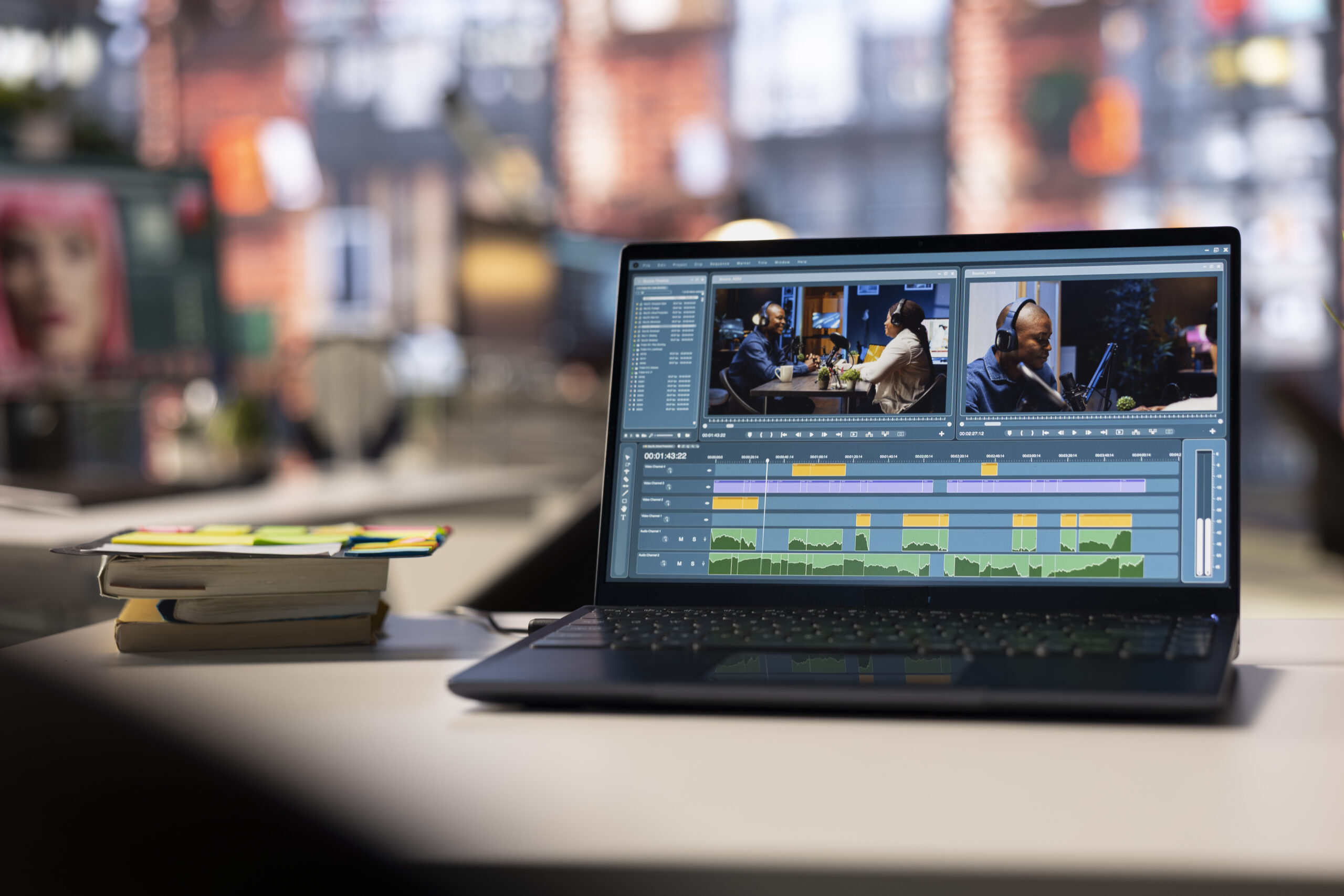
The fix is to stop treating it as one video at a time. Block out a single session, write a list of 8 to 10 short topics beforehand, and film them all back to back. You leave with weeks or months of content from one sitting, rather than starting from scratch every week.
Our Business Video Studio is built exactly for this. Bring a list of topics, use the teleprompter so you’re not memorising anything, and walk out with a batch of ready to post clips.
Common Questions
Do I need to be a confident on camera speaker?
No. A teleprompter and a calm, guided session solve most of that nerves problem. Most people relax significantly after the first clip or two.
How long should a LinkedIn video be?
For most thought leadership or tip style content, 60 to 90 seconds performs well. Longer works for genuine how to or explainer content, but it needs to earn that extra time.
Can I reuse the same footage across LinkedIn, a website, and email?
Yes, and it’s worth planning for from the start. One well shot session can be cut into a LinkedIn clip, a longer website piece, and a shorter version for email or ads, without reshooting anything.
If you want a straightforward way to build a genuine library of LinkedIn content without it eating your week, get in touch and we’ll talk through what a session could look like for you.